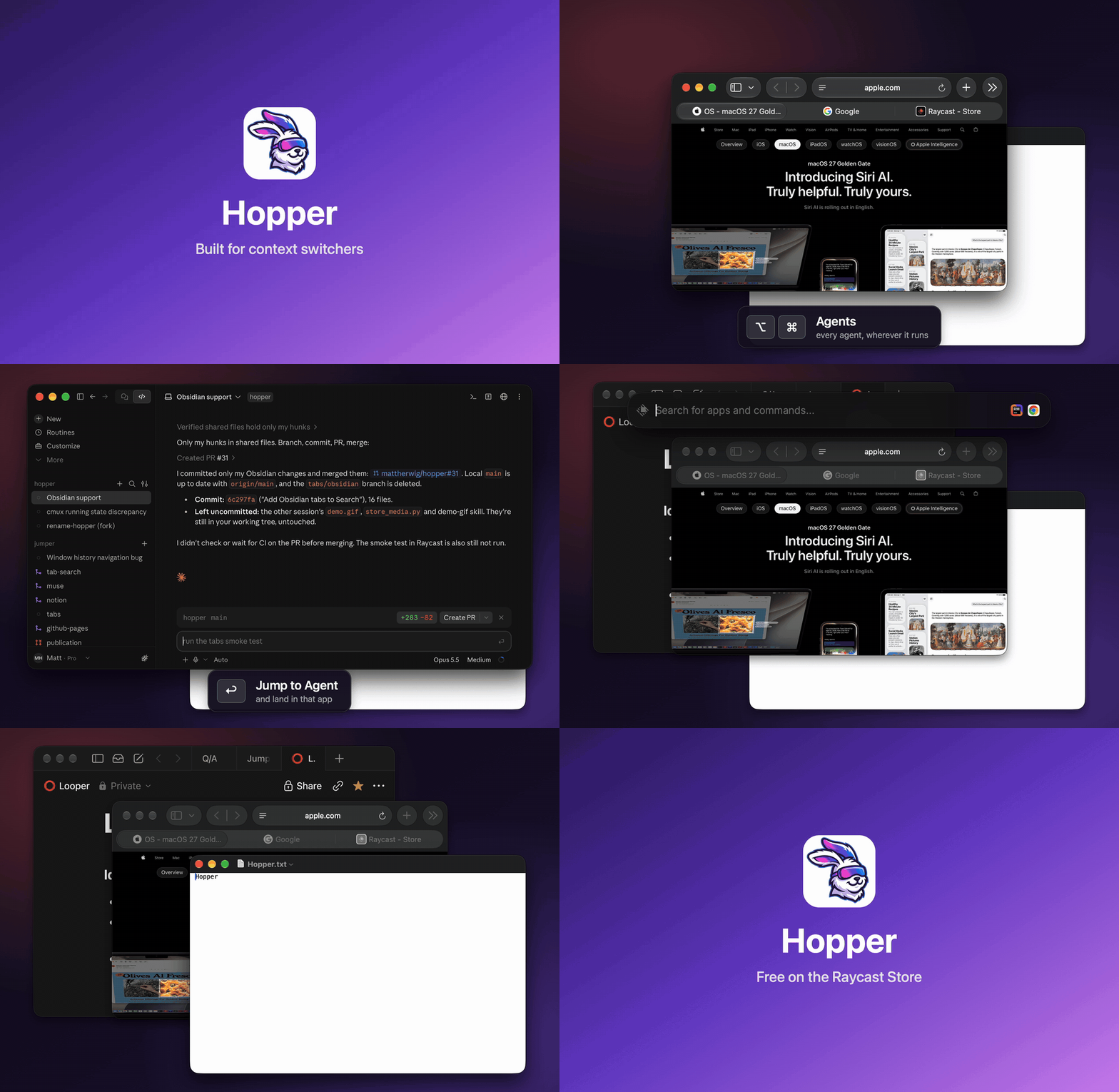
Hop to any app, tab, or agent.

Step back through recent apps like browser history, search every tab and session in one list, and jump to the AI agent that needs you. Free for Raycast.

macOS · Free and open source · No background process
Hopper demo: Back, Forward, Toggle, History, and a Search jumping to a terminal workspace

Built for context switchers

Apps, search, and agents

Your AI tools change every month. The way you get around shouldn't.

Agents

Every agent you pay for, in any terminal or app: Claude Code, Codex, Cursor, herdr.

  • All Agents⌥⌘One list, sorted by who needs you. Jump to the exact pane or session.
  • Next Agent⌥⌘]Go to the one that's waited longest. Again for the next.
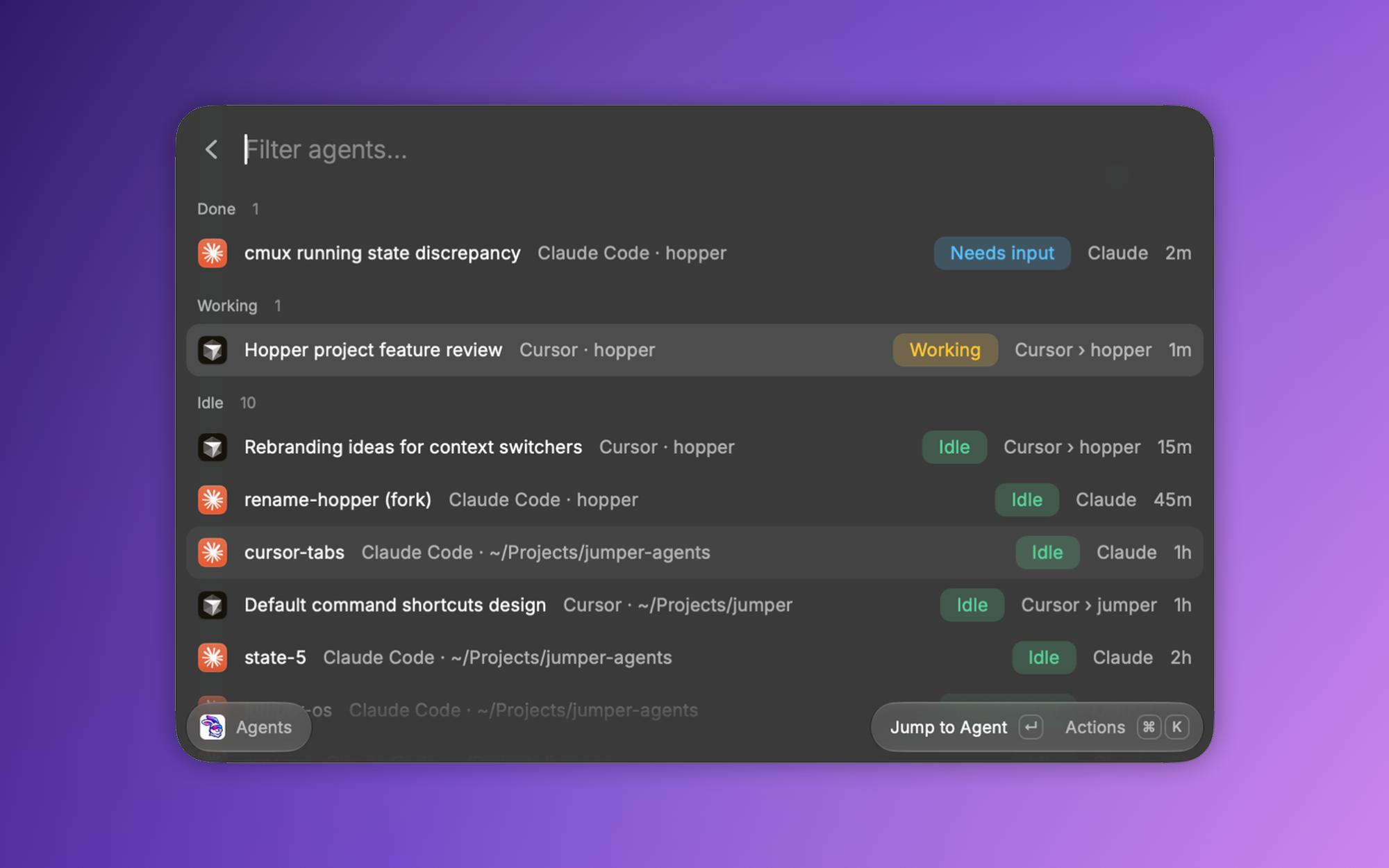
Agents command: Claude Code and Cursor agents grouped by Done, Working, and Idle

Search

One search, whatever you use this month.
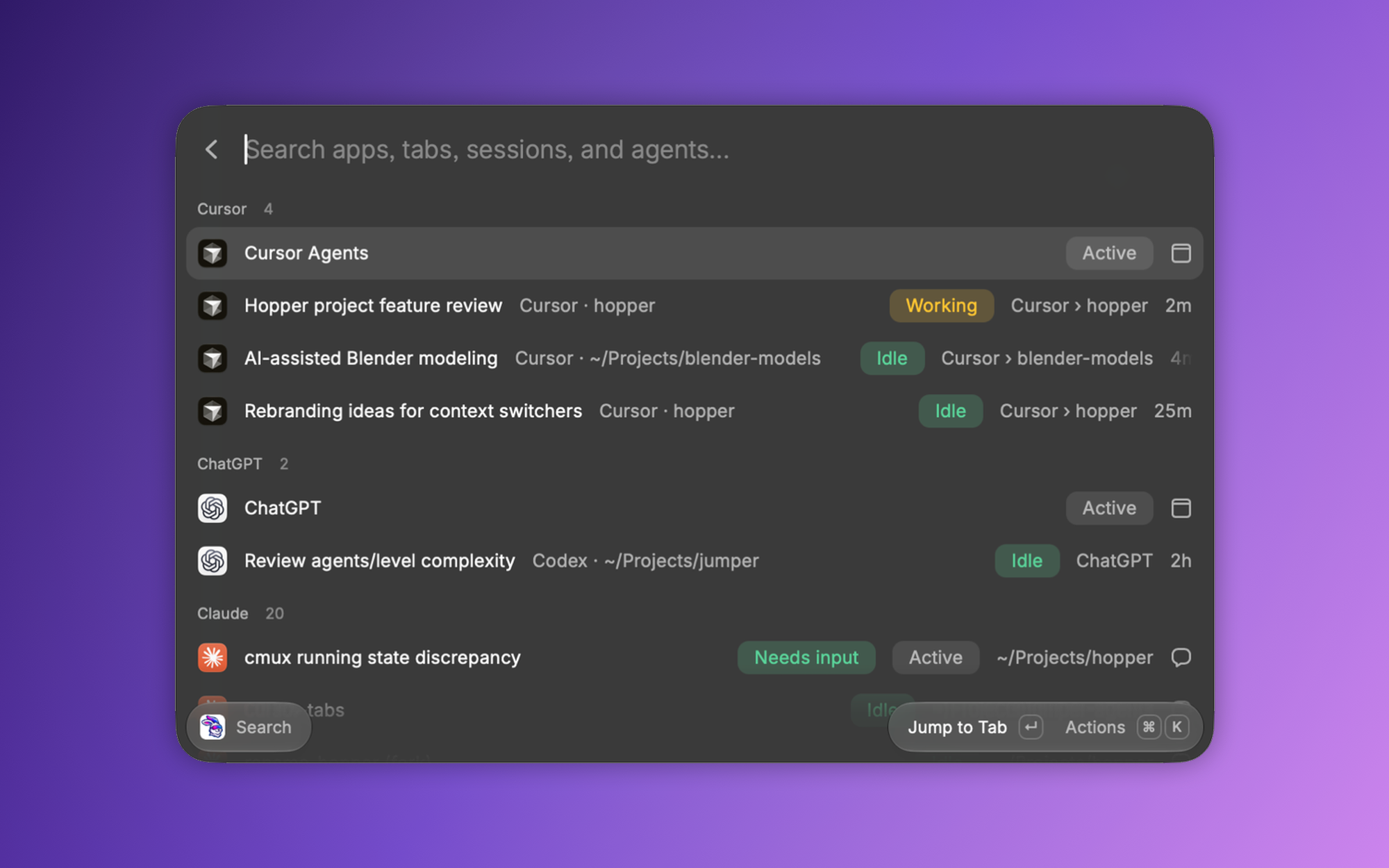
Search command: Cursor, ChatGPT, and Claude sessions with agent status in one searchable list
  • Search⌃⌃Browser and terminal tabs, AI sessions, Notion, Obsidian, any window.
  • Search Current AppJust the app you're in.

Apps

A Back button for your Mac.

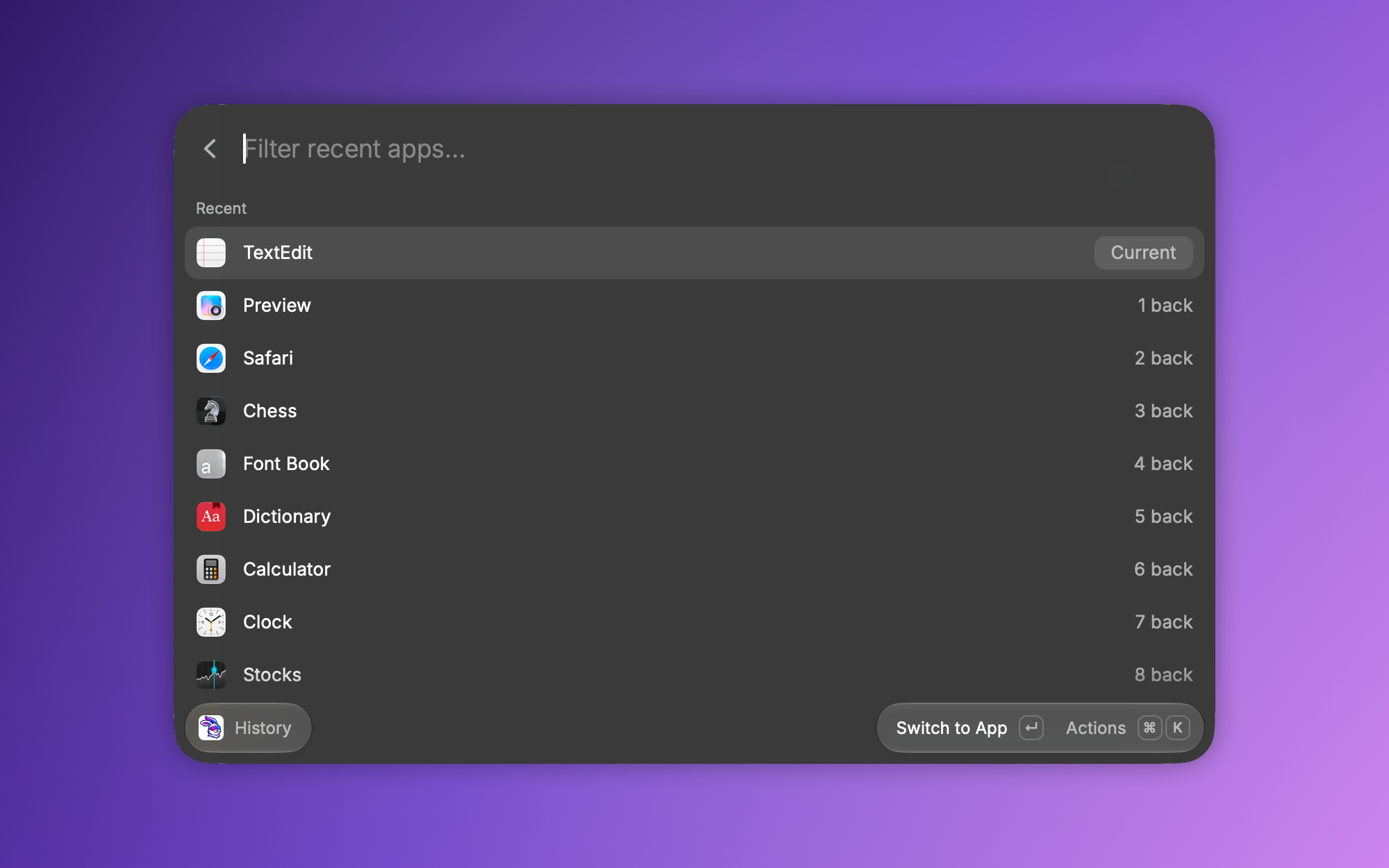
History command: running apps from most to least recently used
  • Toggle⌘⌘Flip between your last two apps.
  • Back / Forward⌃⌘[⌃⌘]Step through recent apps like browser history.
  • History⌃⌘The whole trail, to pick from.

How it works

Browser rules for apps, one list for everything else

Nothing runs in the background. Hopper reads what macOS and your apps already know, when you ask.

Agents

  • Status straight from the agentsNo hooks to install, nothing to set up.
  • Done means unseenFinished, and you haven't looked yet.
  • Lands in the exact placeRight to the split, pane, or session.

Search

  • Fuzzy finds everythingTypos and partial words still match.
  • Recently ClosedReopen tabs and notes from last week.
  • Private stays privateIncognito windows never show up.

Apps

  • Back works like a browserSwitch any other way to reset Forward.
  • Picks up where you left offBack to the window you were in.
  • Your trail, your rulesRemove or Exclude apps from History.

Connectors

Works with what you already use

Browsers, terminals, and AI agents, down to the tab and pane. Every other app by its windows.

  • Safari
  • Chrome
  • Brave
  • Edge
  • Vivaldi
  • Chromium
  • iTerm
  • Terminal
  • Ghostty
  • cmux
  • Claude
  • Codex
  • Cursor
  • Gemini CLI
  • OpenCode
  • Amp
  • Aider
  • herdr
  • Muse
  • Notion
  • Obsidian
  • Finder
  • VS Code
  • Xcode
  • Slack
  • Discord
  • Mail
  • Messages
  • Notes
  • Calendar
  • Preview
  • Word
  • Keynote
  • Pages
  • Numbers
  • Zoom
  • Blender

Setup

  1. Install Hopper from the Raycast Store.
  2. Record hotkeys in Raycast Settings → Extensions → Hopper (extensions can't set them). Recommended: the ones shown above.
  3. First time in Search: allow Automation and Accessibility when asked.